
Closed beta · 25 spots
One script. All your videos.
Mark where to cut your script, narrate each part with your ElevenLabs account, and export one vertical short per part plus the full video in landscape.
Windows only · You need your own ElevenLabs account
No card needed. If you're selected, we'll email you your beta license.
Made by QoriMotion
Applications aren't open yet.
Read the transcript
One script. All your videos.
Fenzo turns your script into a series of videos.
You mark where to cut, and Fenzo organizes it into parts. You add your gameplay, and the narration is generated with your own ElevenLabs account.
Each part is assembled with synced subtitles, and you review them in the editor. When you export, you get one vertical short per part and the full video in landscape.
Fenzo. One script. All your videos.
Demo
One script in.
Every video out.
Every cut marker in your script becomes a part. Every part becomes a vertical short with its own narration and subtitles. And the whole story becomes one landscape video.
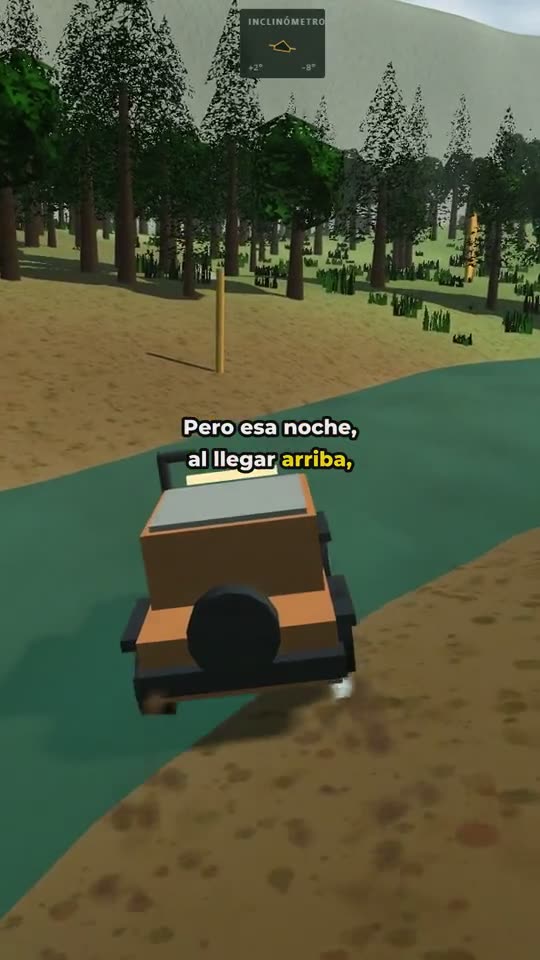
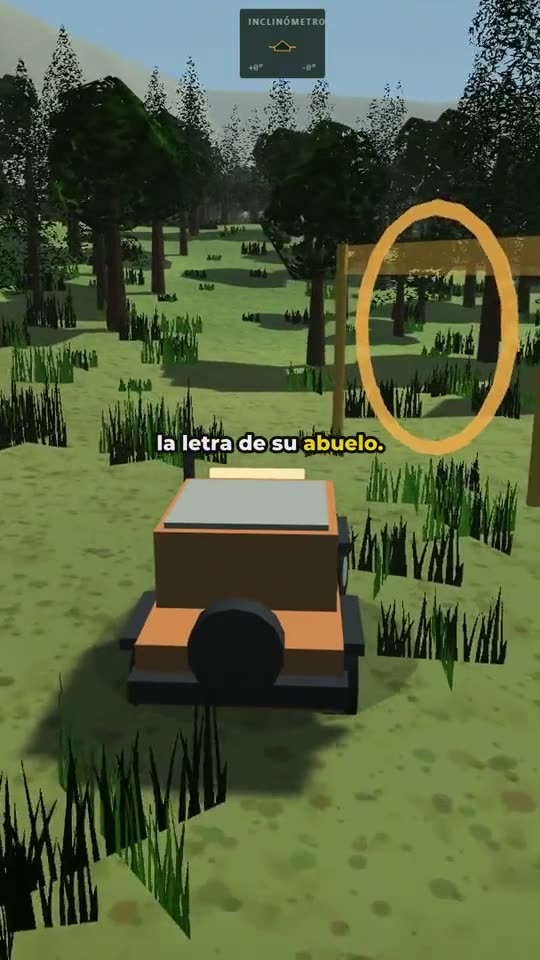
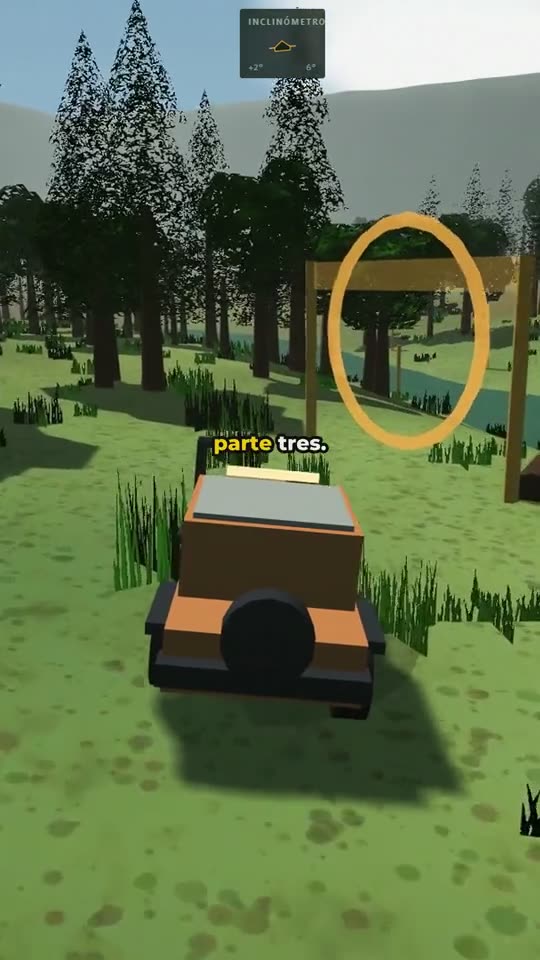
3 shorts · 9:16
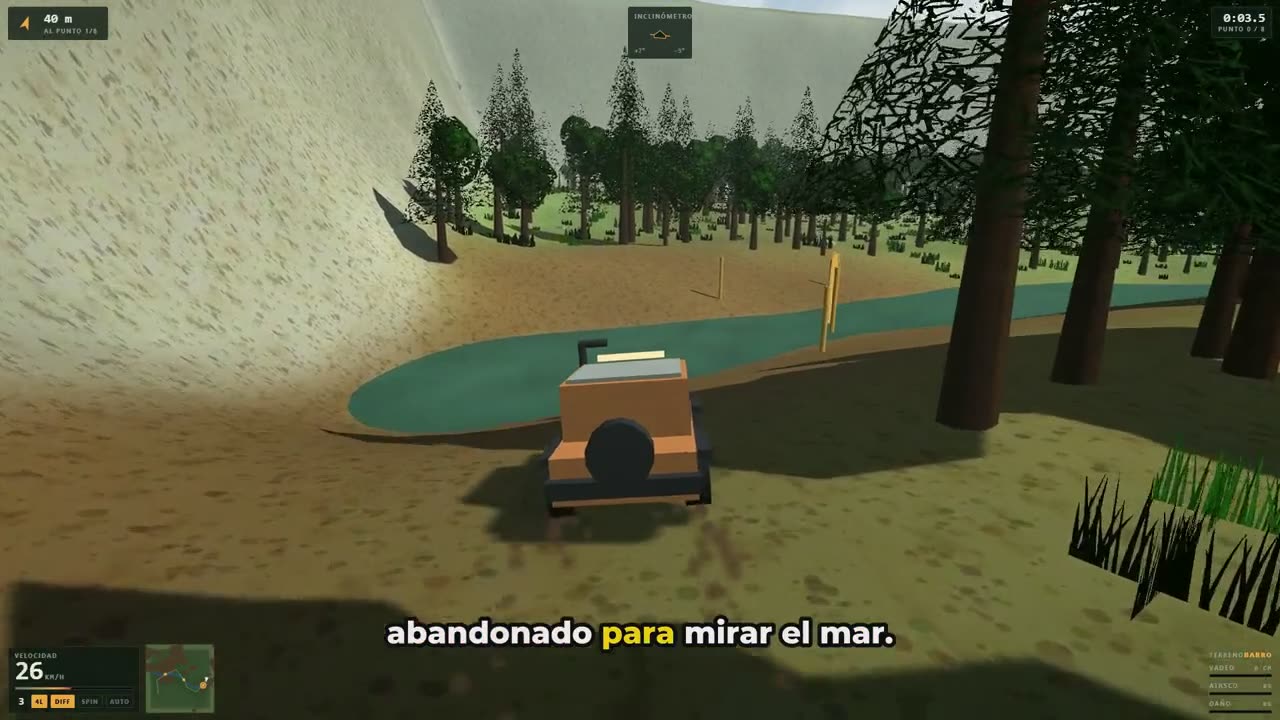
1 full video · 16:9
How it works
One script, one complete workflow.
-
01 · Script
Cut your script into parts.
Type
---CORTE---where each part ends (the marker is the Spanish word for “cut”, even with the interface in English), or let Fenzo suggest the cuts. You see right away how many parts you'll get and how long the narration will run.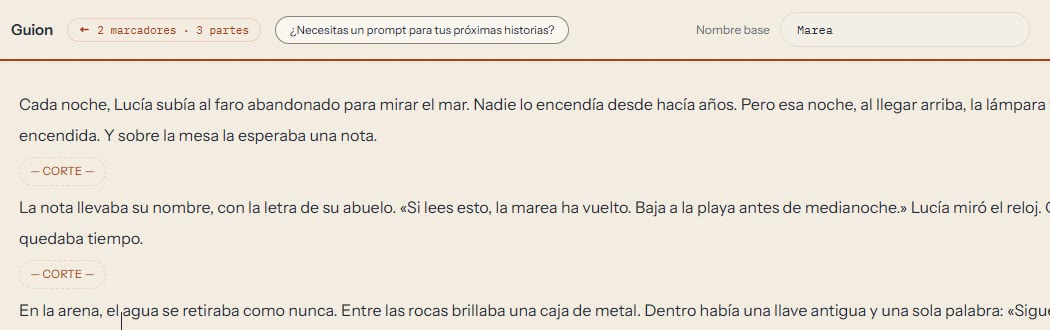
Real Fenzo interface -
02 · Narration
Narrate with your ElevenLabs account.
Pick one of the voices available in your account and Fenzo generates the narration for each part. Usage comes out of your ElevenLabs credits, and if a job gets interrupted, whatever was already generated isn't charged again when you retry.
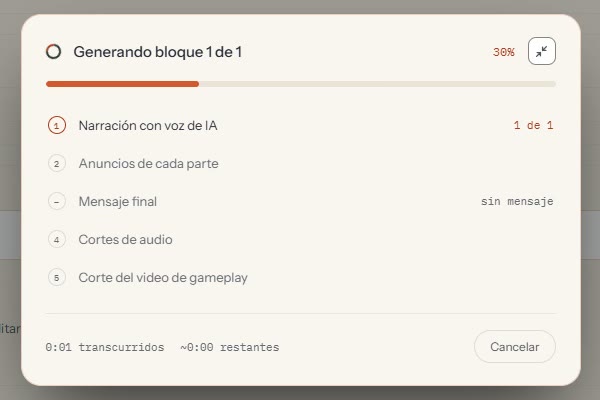
Real Fenzo interface during a test run -
03 · Subtitles & editor
Synced subtitles, ready to tweak.
Subtitles come out synced to the narration. In the editor you change the text, size, color and position, and adjust the 9:16 framing over your gameplay.
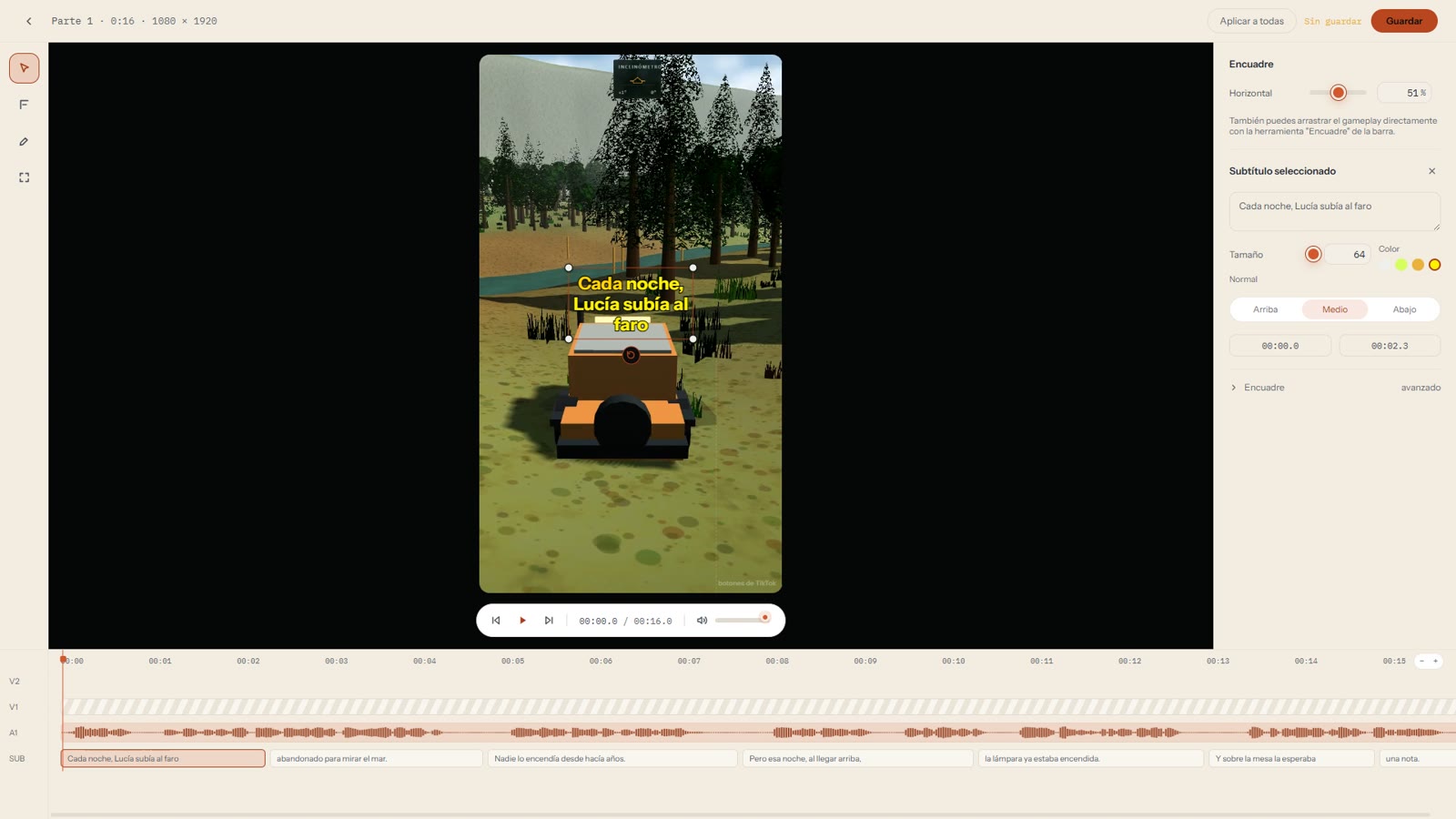
Real Fenzo interface -
04 · Export
Review and export in two formats.
The montage view shows every part together. You export one vertical short per part and the full video in landscape, in high, normal or fast quality.
Real Fenzo interface
Results
Real results, exported with Fenzo.
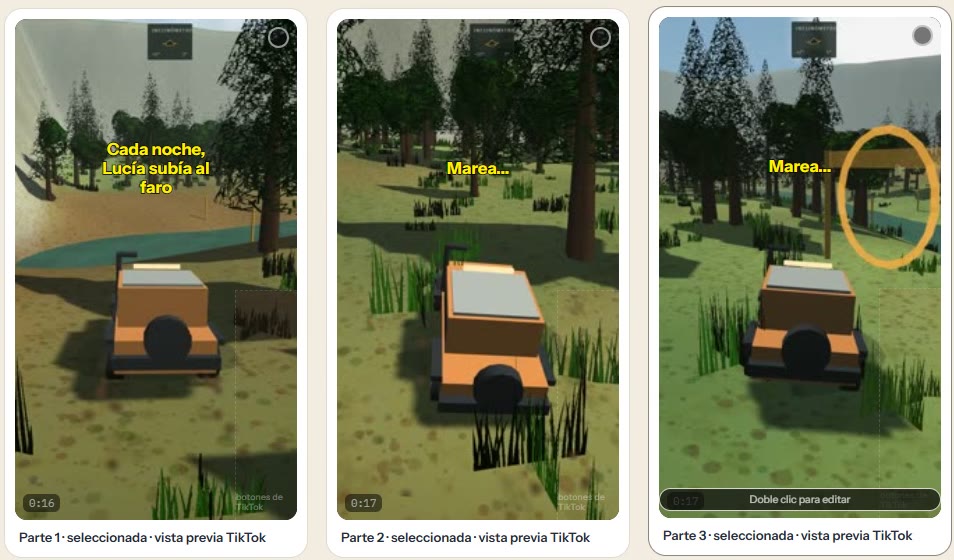
A test story split into three parts over gameplay from our own game. These are 7-second excerpts of the files Fenzo exported, shown without sound. Subtitles are in Spanish.
9:16 · One short per part
16:9 · Full video
Who it's for
For creators who tell stories over gameplay.
Fenzo is built for one specific workflow: a narrated script, split into parts, over gameplay or other background video.
- You post stories in parts on TikTok, Shorts or Reels, and the full video on YouTube.
- You already have the script and the gameplay; what takes your time is cutting, narrating, subtitling and assembling each part.
- You want AI voice narration using your own ElevenLabs account.
Fenzo isn't a general-purpose video editor: it doesn't replace Premiere, DaVinci or CapCut for other kinds of projects.
Requirements
What you need.
- 01Windows 10 or 11
- 64-bit. Fenzo is a desktop app for Windows only.
- 02An ElevenLabs account
- With its API key. The voices you use are the ones available in your account.
- 03Your script
- From 10,000 characters on, cut markers are required.
- 04Your background video
- Gameplay or other footage you have the rights to use.
Narration uses credits from your ElevenLabs account and is paid directly to ElevenLabs, according to your plan.
Fenzo doesn't include scripts, gameplay, music, ElevenLabs credits or automatic posting to social media. It doesn't create voices or clone yours.
Transparency
What runs on your PC and what uses the internet.
On your PC
- Cutting your gameplay, assembling and exporting your videos.
- Your background footage and the videos you create are processed on your machine.
- Automatic subtitle transcription.
Online
- ElevenLabs receives the text you narrate and your API key, to generate the voice and check your credits.
- Our licensing system receives your license key and an identifier for your computer, to validate it.
Fenzo's own privacy policy is under legal review.
Closed beta
Try Fenzo before anyone else.
The beta is free for selected participants. In return, we ask you to use Fenzo in your real workflow and tell us what works and what doesn't.
Sending a request doesn't guarantee a spot. We review every request and get in touch with the people we select.
We got your request.
If you're selected, we'll write to . Please check your spam folder too.
FAQ
Frequently asked questions.
What do I need to use Fenzo?
A PC with 64-bit Windows 10 or 11, an ElevenLabs account with its API key, your script, and your gameplay or other background video.
What does Fenzo do, and what doesn't it do?
It splits your script into parts, generates the narration with your ElevenLabs account, creates synced subtitles, lets you adjust text, size, color, position and framing, and exports one 9:16 vertical short per part plus the full 16:9 video. It doesn't include scripts, gameplay, music or ElevenLabs credits, and it doesn't post to your social accounts.
Does Fenzo create or clone voices?
No. It uses the voices available in your ElevenLabs account. It doesn't create new voices or clone yours.
How much does narration cost?
Narration uses credits from your ElevenLabs account and is paid directly to ElevenLabs, according to your plan. Fenzo doesn't add any markup to that usage.
What data leaves my computer?
Your gameplay and videos are processed on your machine. To narrate, the script text and your API key go to ElevenLabs. Fenzo also connects to validate your license.
How much does the beta cost?
It's free for selected participants. We won't publish prices until the beta is over.
Does it work on Mac or Linux?
No. For now Fenzo is Windows only: 64-bit Windows 10 and 11.
Which languages does it support?
Narration and automatic transcription work in Spanish and English, and the interface is available in both. The first time you use transcription you need an internet connection.
Why does Windows show a warning when I install it?
Because Fenzo isn't digitally signed yet: that certificate is paid every year and we don't have it during this beta. The warning doesn't mean there's a virus. The (in Spanish) explain how to continue safely.

One script.
All your videos.
25 spots · Free beta for selected participants.
Request beta accessApplications aren't open yet.